
MVI_0350.MP468%
Website · H.264 · 1080p
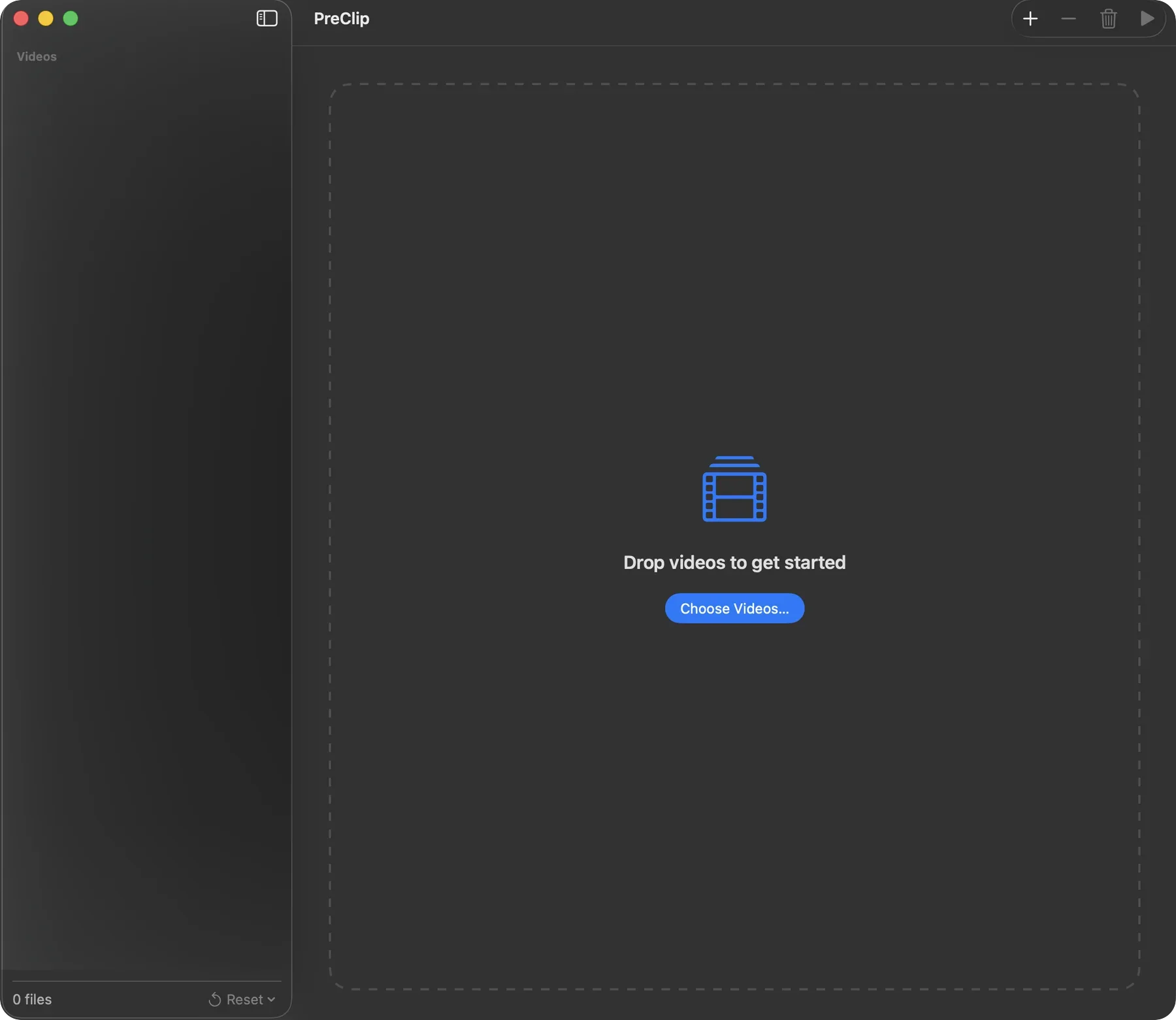
Prepare your video for any destination.
Available on the Mac App Store. One-time purchase, no subscription.

Website · H.264 · 1080p
Reels / 9:16 · HEVC · Subject tracking
Portfolio · H.264 · Standard stabilization
No. Processing happens locally on your Mac.
No. It writes converted files to the selected destination.
Yes. You can process them through the batch queue.
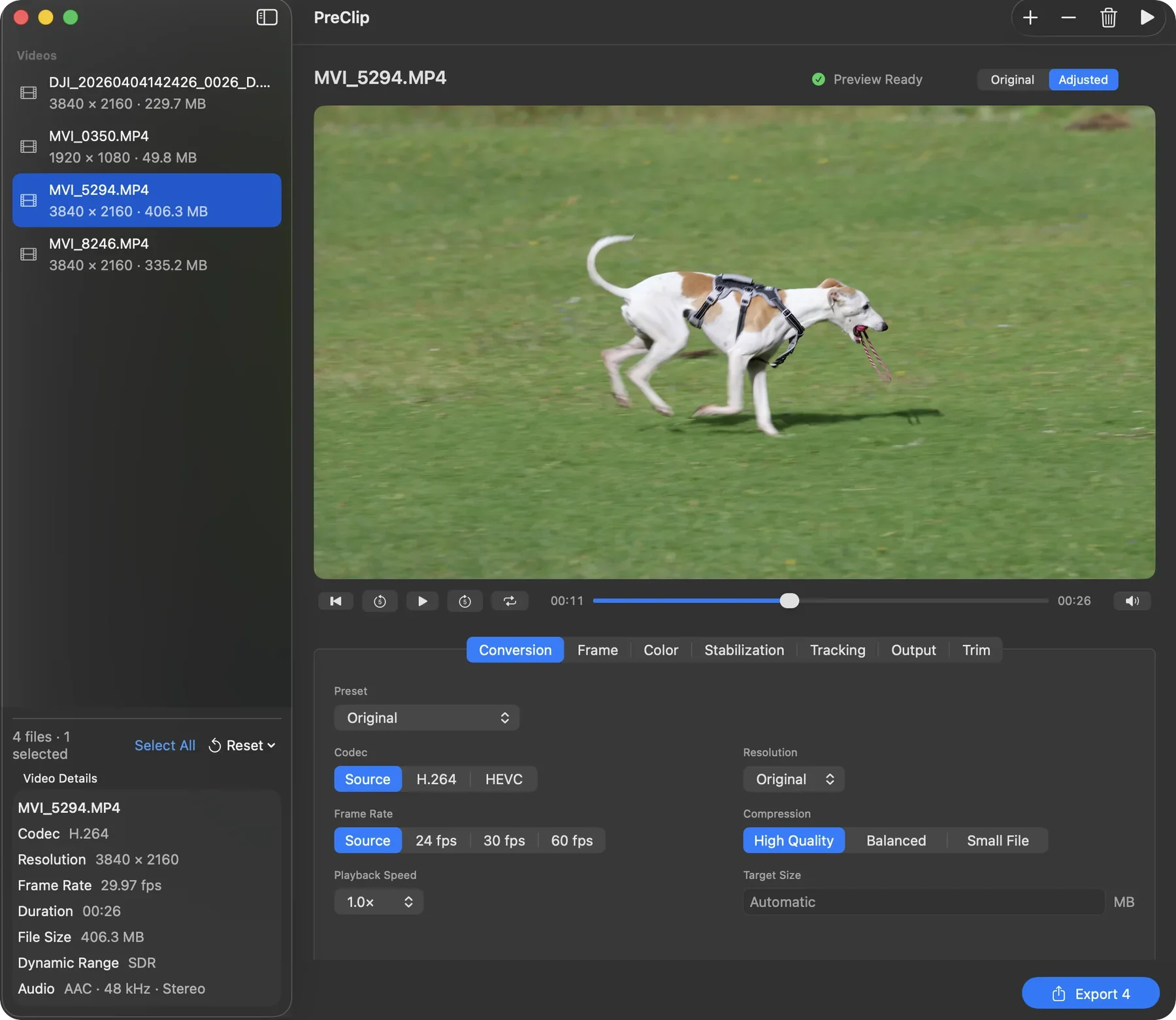
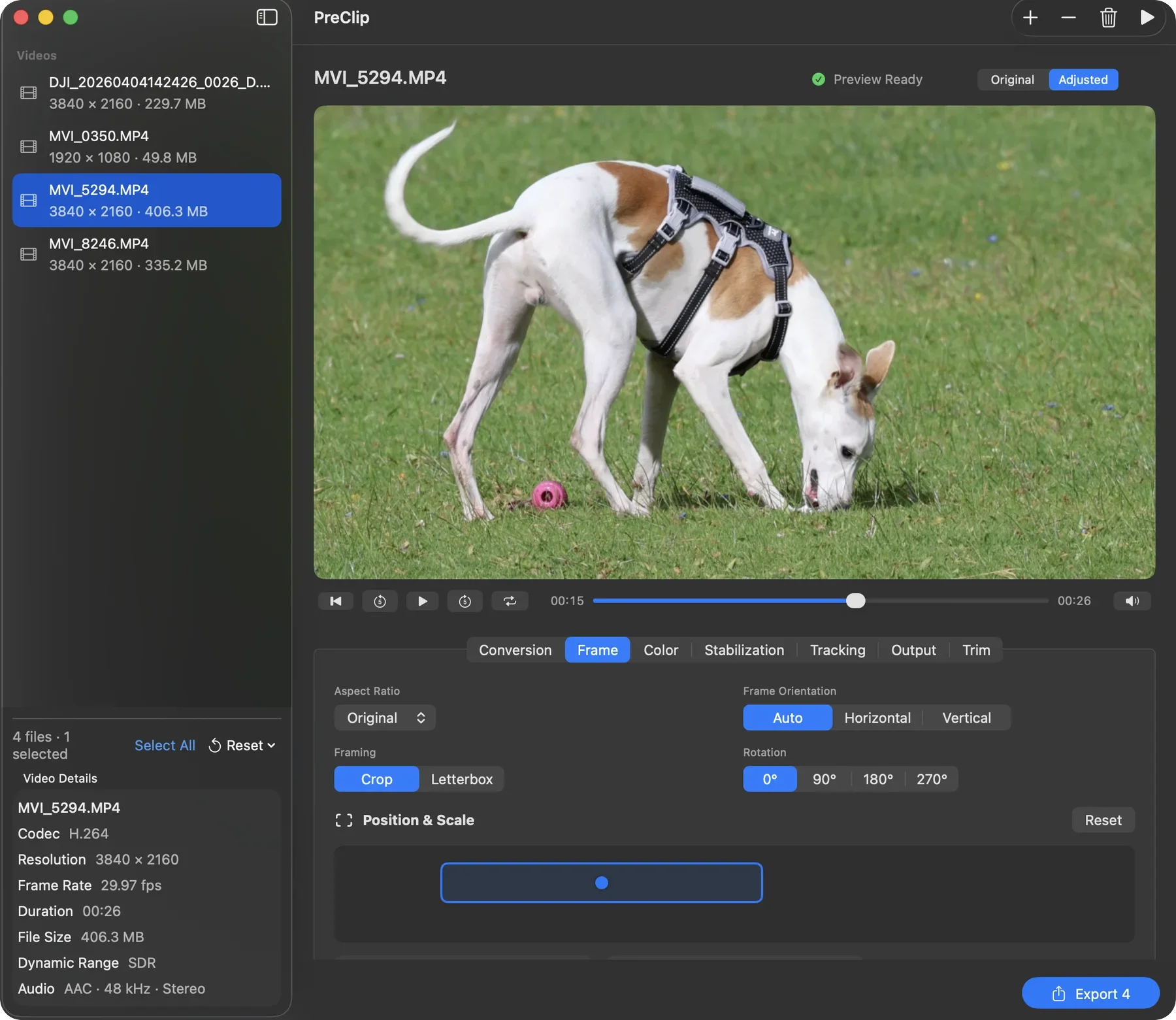
No. PreClip prepares files through conversion, compression, reframing, focused color adjustments, stabilization, subject tracking, speed changes, and trim.
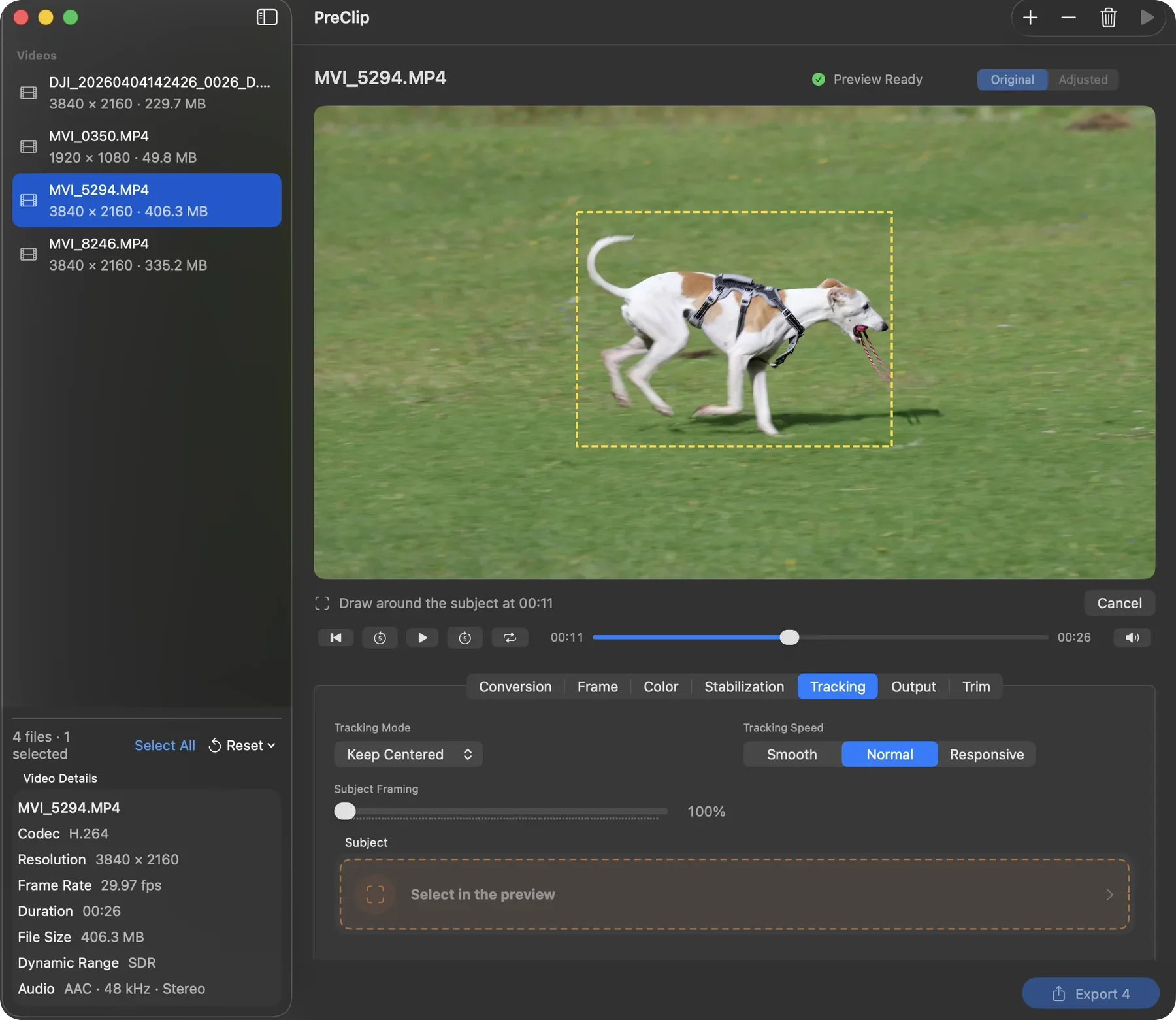
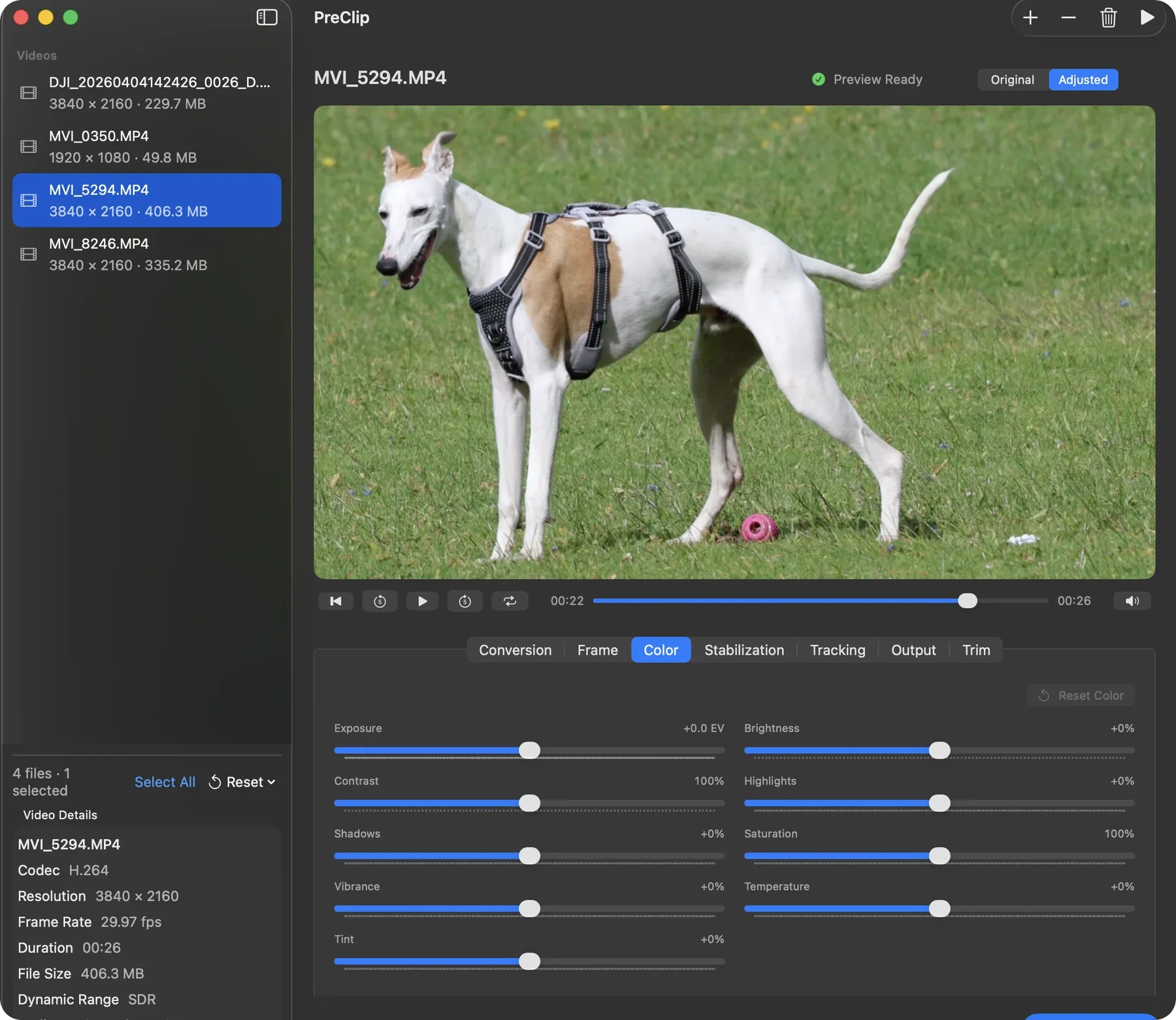
PreClip analyzes motion or the selected subject locally. Stabilization reduces shake, and tracking keeps the subject in frame when the available image allows it.
macOS 14 Sonoma or later on an Apple Silicon or Intel Mac, with enough space for the original and output.